Apps (Coming Soon) 17 / 32
Two-Factor Authentication
Learn about two-factor auth and how to enable it for your application.
Two-factor authentication (2FA) adds an extra layer of security to user accounts. The DevDojo Auth package provides built-in support for 2FA, allowing site creators to enhance the security of their application by requiring users to provide a second form of authentication.
Site-Owner Enable/Disable
The site owner can choose to enable 2FA site-wide or keep it disabled. There is a toggle in the Auth Setup page that will allow you to enable/disable it site-wide. If it's disabled, users will not be given the option to add 2FA; if it's enabled, users will be allowed to add 2FA to their account.
User-Level Activation
If 2FA is activated site-wide, users will have the option to enable 2FA for their individual accounts. They can visit the /user/two-factor-authentication page to set up 2FA. This page will guide them through the process of setting up 2FA using an authenticator app like Google Authenticator.
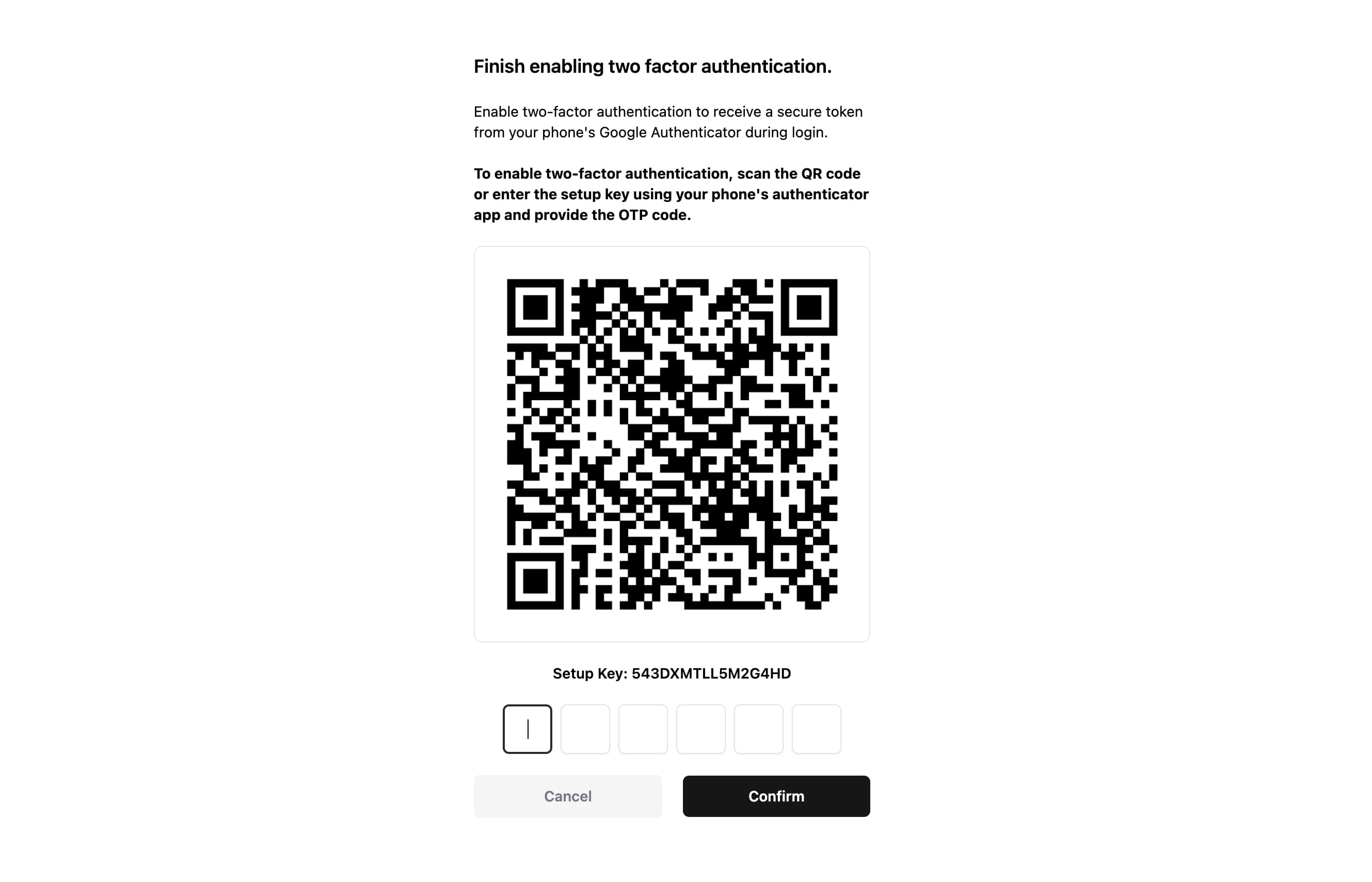
If you are using Jetstream, users will have the ability to enable/disable 2FA from their profile page.
Logging In with 2FA
After 2FA is activated, users will be prompted to enter an authentication code after they log in. They can generate this code using their authenticator app.