Open Source 18 / 34
Changelog
Learn how to utilize the changelog
Changelog
As you continue to enhance your SAAS application, keeping users informed about updates, bug fixes, and new features is essential. The Changelog feature provides a streamlined way to communicate these changes directly to your users.
Creating a Changelog Entry
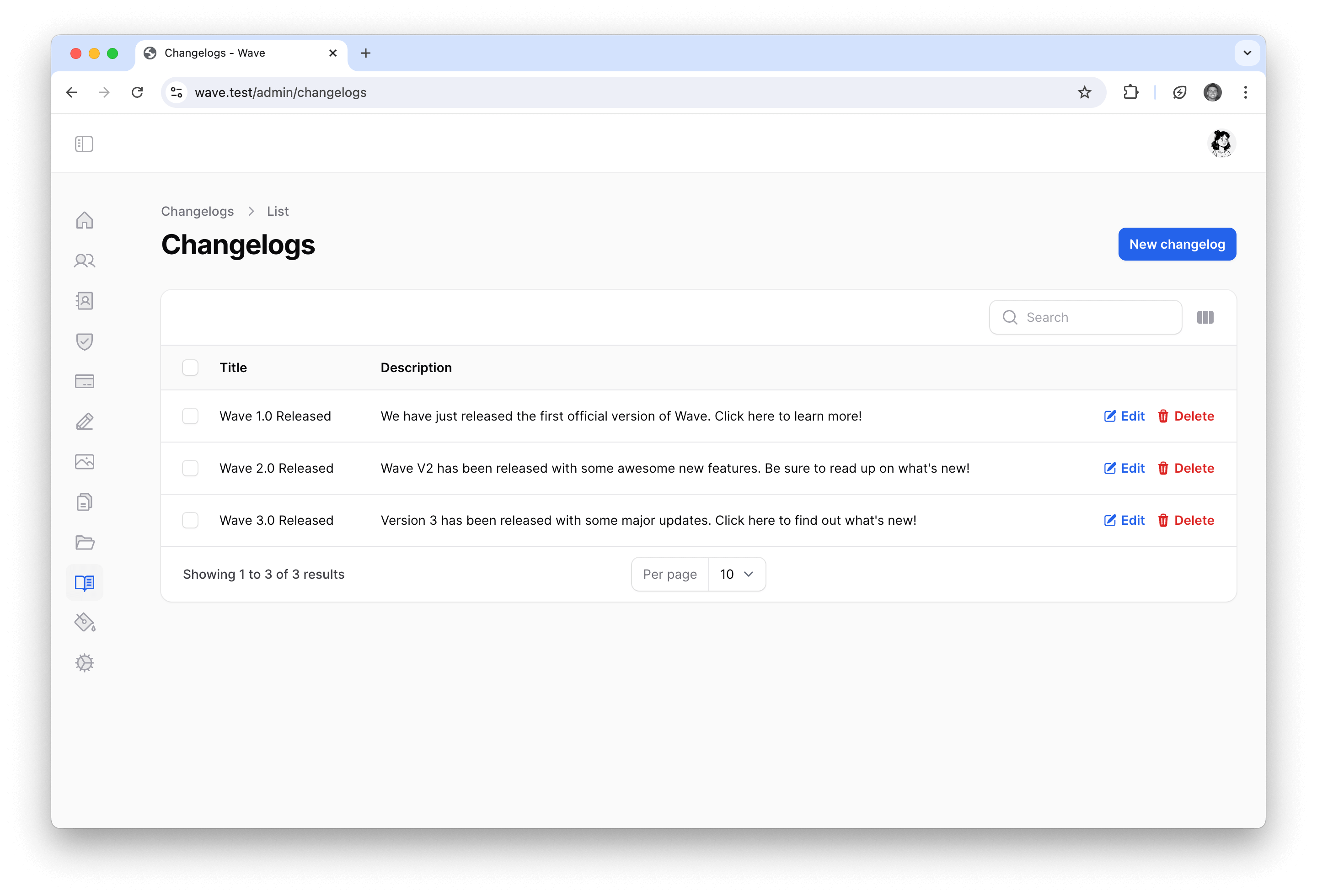
You can create a new changelog entry by navigating to the admin changelog section at /admin/changelog. If you have existing entries, they’ll be listed here. To create a new entry, click the "New changelog" button.
Then, simply add the details of your new changelog entry, including a concise title and a description of the changes.
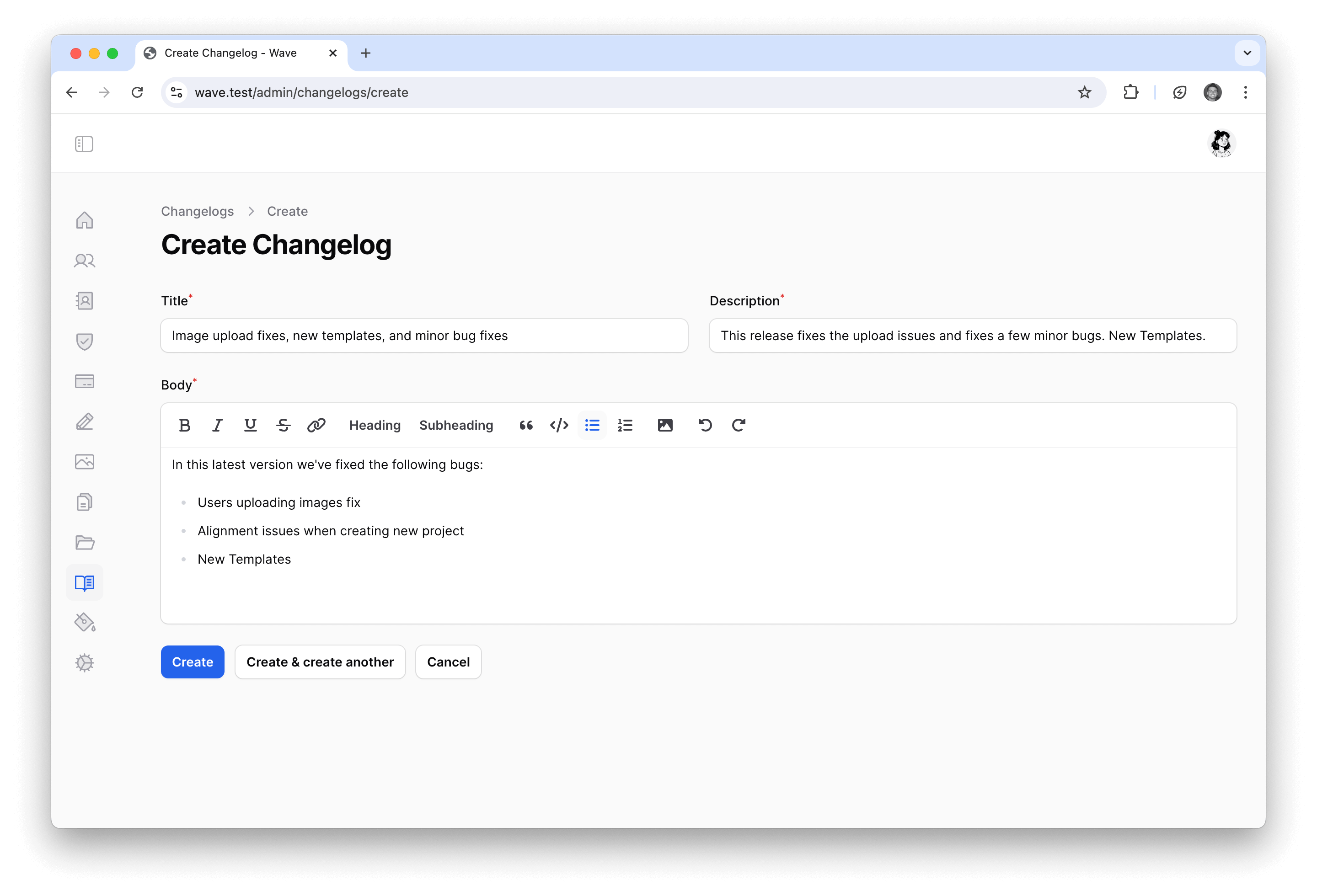
Now your users will be informed of the latest updates the next time they access your application.
Viewing Changelog Updates
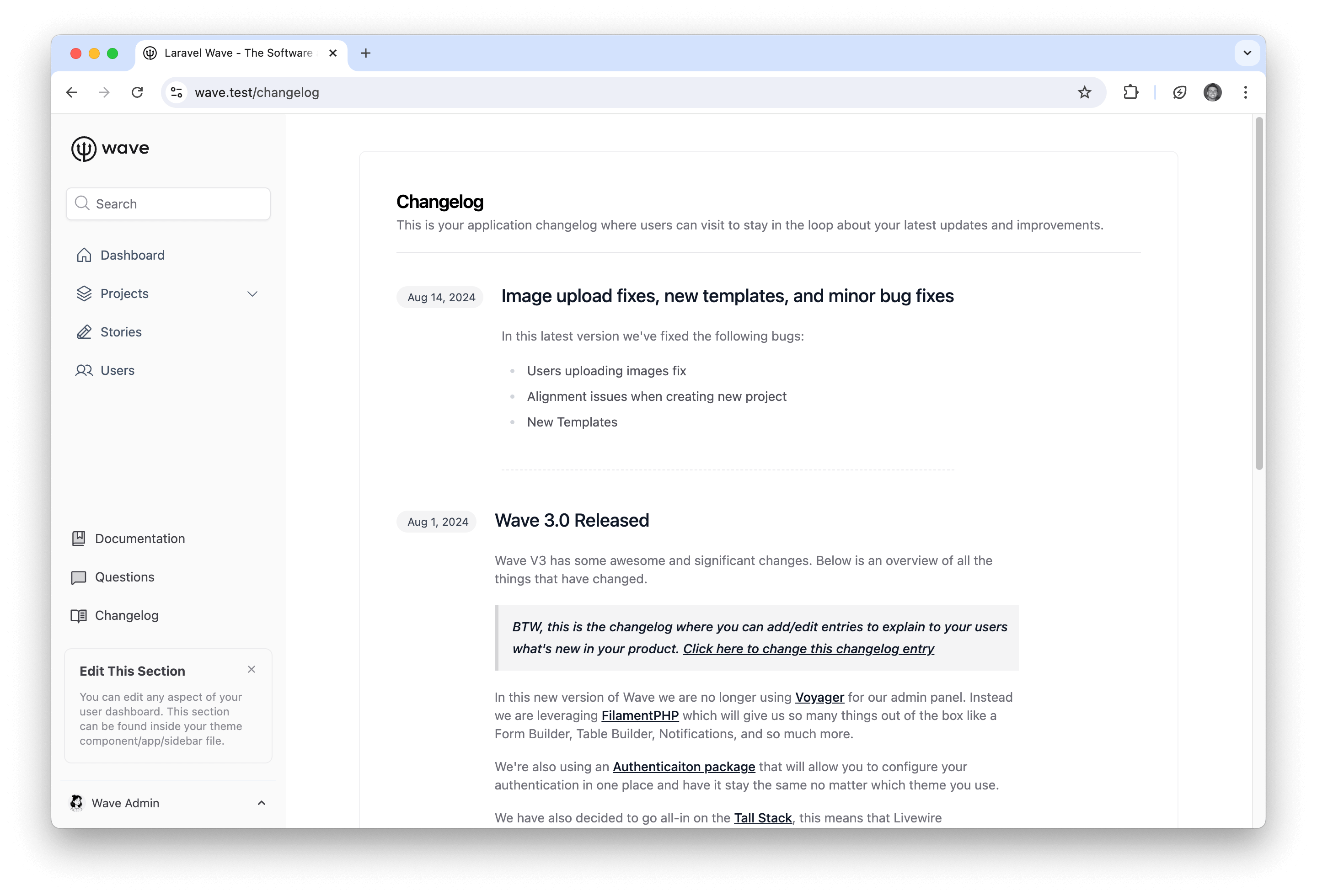
When a user visits the changelog in your application. They will see the latest changelog entry, which looks as follows:
The changelog popup will also be displayed everywhere in your application. When the user clicks on the entry, they will be redirected to the changelog page where they can read the full details.
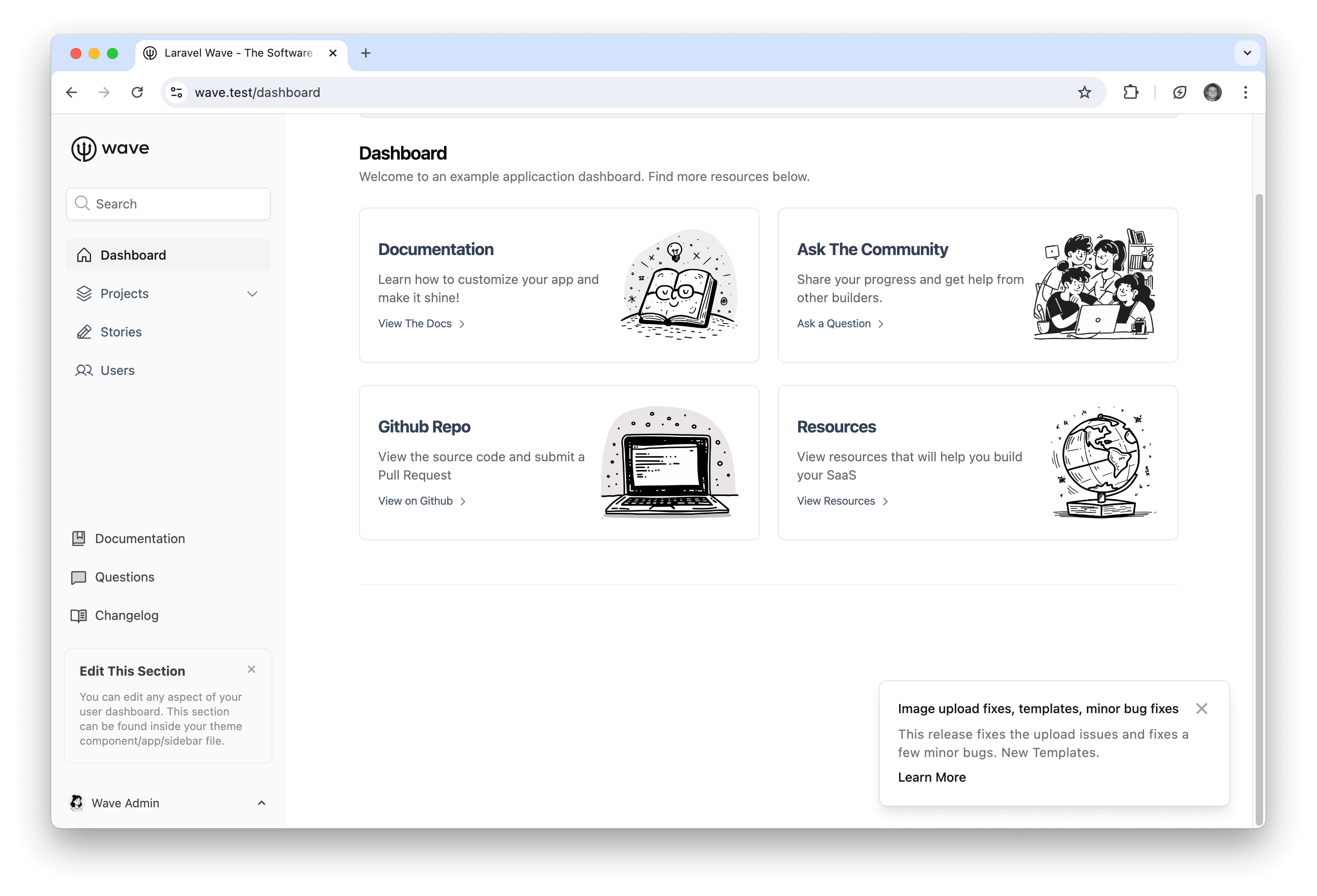
After the user clicks on or dismisses the changelog update, they will no longer see that particular update unless revisited.