Apps (Coming Soon) 02 / 32
Create Your First App
Describe the app you want and DevDojo builds it — a real Laravel application at its own live URL, with a tailored homepage, in seconds. No GitHub required until you're ready to publish.
An app on DevDojo is a real Laravel application, and creating one starts with a single sentence. Describe what you want to build, and DevDojo spins up your app at its own live URL and starts building it with you. This page walks through it step by step.
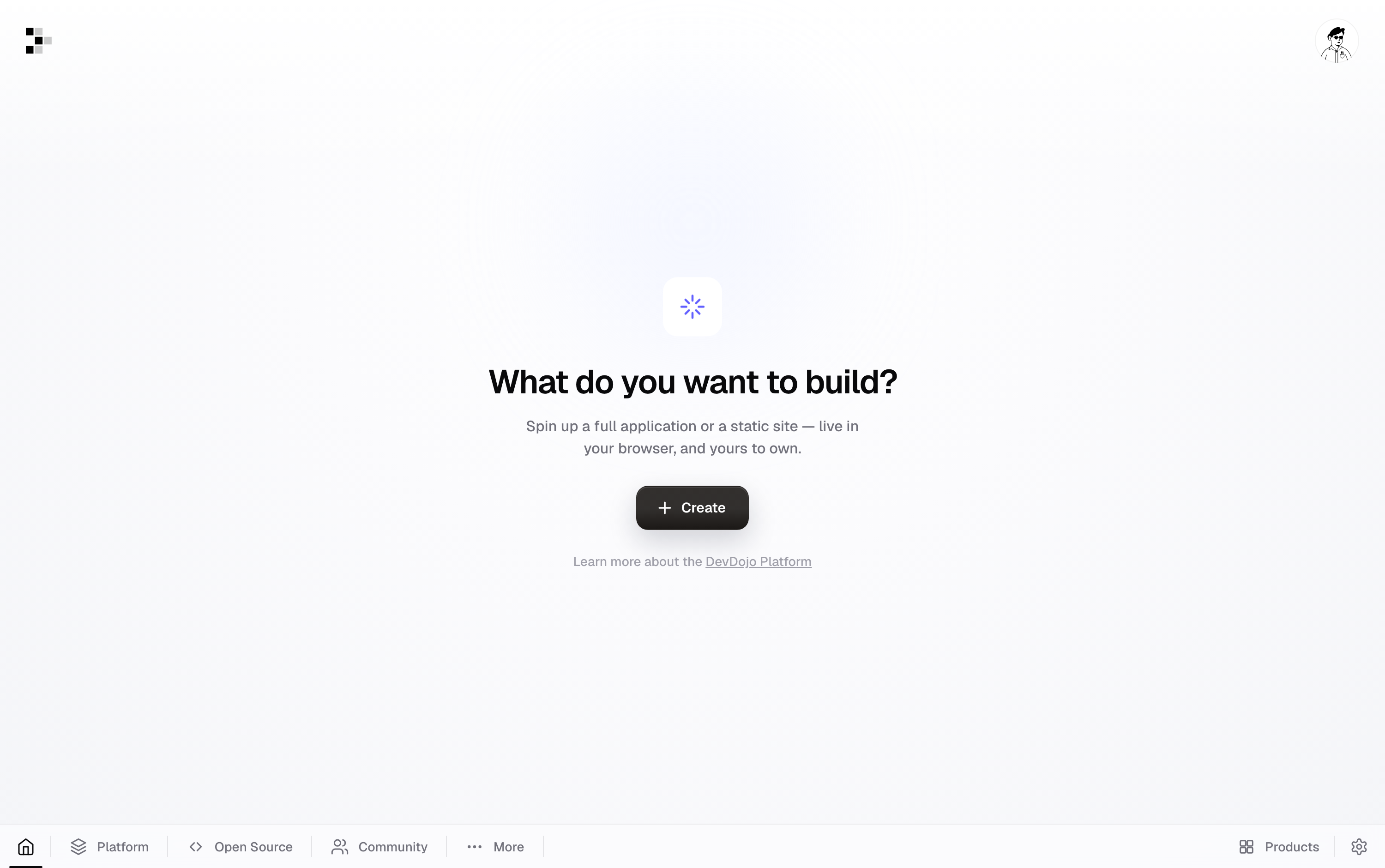
From your dashboard, click Create and choose App for a full Laravel application with authentication, billing, teams, and a database — or head to your Apps page, where the prompt is front and center.
Step 1 — Describe your app
At the top of the Apps page you'll find the prompt: "What should we build?"
- Type what you want in plain English — for example: "A simple project management todo application."
- Optionally pick which AI engine builds it from the picker below the prompt.
- Press Generate app (or ⌘⏎).
DevDojo derives a clean name and URL from your idea — "A simple project management todo application" becomes Project Management Todo, live at project-management-todo.devdojo.app — and drops you straight into the builder.
Note — No GitHub needed. Your app is a real, git-versioned Laravel codebase from the first second, stored safely on DevDojo. When you're ready to own the code on GitHub, one click on Publish in the builder creates a private repository under your account and pushes everything — see building with AI.
Prefer a clean slate? Click create a blank app under the prompt, give it a name, and DevDojo gives you the untouched starter template instead.
Step 2 — Watch it come to life
You land in the builder immediately, and DevDojo gets to work.
- Your workspace is seeded from the Default template — a complete Laravel app with auth, billing, profiles, and notifications already wired in. This takes seconds.
- The moment it's ready, the AI starts building what you described. Files change in real time, and the live preview boots your app right in the canvas.
- On this first build, the AI also replaces the starter's welcome screen with a custom homepage for your product — a real landing page with a hero, features, and calls to action.
Tip — Provisioning takes seconds; the first AI build takes a few minutes depending on how ambitious your prompt is. You can watch every file it touches in the chat while you wait.
Step 3 — Open your live URL
Your app runs at its own address from the start.
- The live preview in the builder shows your app running at
your-app.devdojo.app. - Click the URL to open it in its own browser tab, or share it to show someone what you're building.
Step 4 — Publish to GitHub (when you're ready)
Your code is yours. When you want it on GitHub:
- Click Publish in the builder's top bar.
- Connect your GitHub account if you haven't yet — DevDojo sends you to GitHub to authorize and brings you straight back.
- Choose the account or organization and a repository name, then Create repository & push.
DevDojo creates a private repository you own and pushes your app's full history to it. From then on, Publish is a one-click push.
That's it — you have a real Laravel app running at a public URL, built from a sentence. Next, head to building with AI to keep shaping it.