Apps (Coming Soon) 01 / 32
Apps Overview
What a DevDojo app is — a real, user-owned Laravel repository generated from a template and run as a PHP-WASM instance in the browser — and how one comes to life.
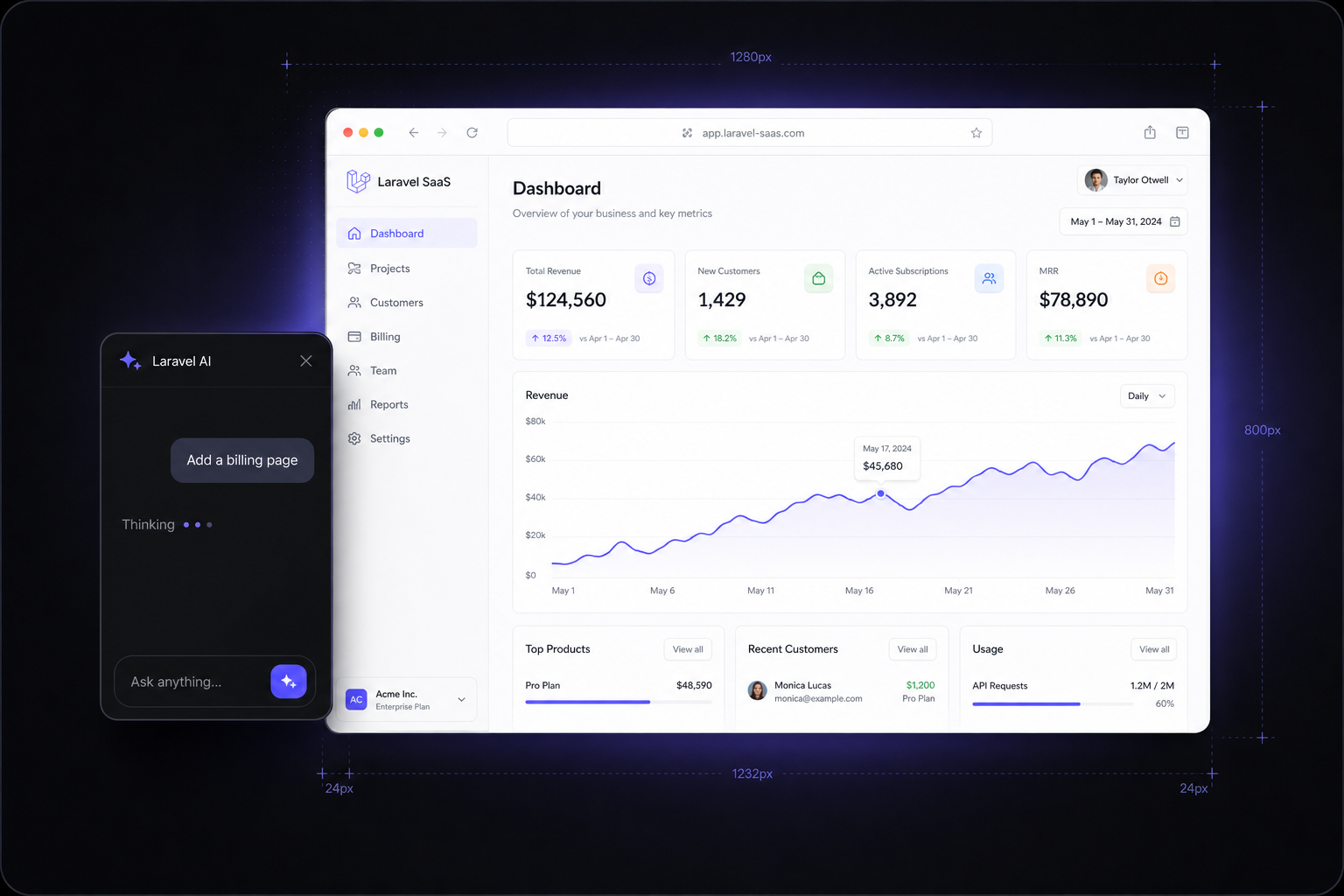
An app is the unit of work in DevDojo: a genuine Laravel repository, generated from a maintained template, that boots in a browser tab and that you own outright. This page covers what an app is, how it relates to the Foundation packages, and the arc of its life — from a name and a slug to a running, deployable codebase.
What a DevDojo app is
The defining property is worth stating plainly: a DevDojo app is not a sandbox. It is a real Laravel codebase, pushed to your own GitHub account, that you can export and deploy anywhere. Three things follow from that:
- It is a real repository. Every app is generated from a template repo into your GitHub account. The AI's edits are commits; "undo" is a git restore; "publish" is a push. Nothing about the code is proprietary.
- It runs in the browser. Rather than a per-app container or VM, each app boots as a PHP-WASM instance at
{slug}.devdojo.app— Laravel compiled to WebAssembly, serving real requests, with no cold start and no per-app compute bill. See The WASM Runner. - It is addressed by slug. An app's
slugis its identity everywhere: its preview URL ({slug}.devdojo.app), its builder URL (devdojo.com/app/{slug}), and thePlatformApprecord that tracks it in the control plane.
The control plane owns the record; the app plane owns the runtime. A PlatformApp row in the control plane holds the app's name, slug, repository, status, and provisioning state. The running instance lives on the app plane. The two only talk over a small, authenticated runtime API — see architecture at a glance.
Apps and the Foundation packages
An app is never a blank Laravel install. It is generated from the default starter, which already requires foundation and database. So the instant an app boots, it inherits a production-grade base:
- Authentication and accounts — login, register, social, 2FA, and a Clerk-style account area, from
authandaccounts. - Billing, teams, and notifications — subscriptions, team membership, and in-app notifications, ready to switch on from
billing,teams, andnotifications. - UI and data tooling — the Blade component library from
componentsand a live database browser fromdatabase.
Because features are gated by the Foundation's runtime flags, you can toggle capabilities on and off without ripping code out. Every feature defaults to on, and dependencies resolve automatically.
// Inside a generated app: gate on the same flags the platform uses.
use Devdojo\Foundation\Foundation;

if (Foundation::enabled('teams')) {
    // Team switcher, invitations, role checks…
}
This is the dogfooding loop in action: the same packages that build the platform build the apps the platform creates. A fix that lands in a package improves every app at once.
The lifecycle at a glance
Creating an app is a short, observable pipeline. The control plane drives it through queued jobs and records progress as a status on the PlatformApp record, so the UI can show exactly where things stand — and fail loudly when something goes wrong.
- Create. You pick a template, a name, a slug, and a repository owner. The control plane validates the input, confirms the repo name is free, writes a
PlatformApprow, and dispatches the first provisioning job. - Prepare the repository. A queued job asks GitHub to generate a private repo from the template repo — server-side, so tokens never touch the browser. See GitHub Integration.
- Build the workspace. The next job clones the new repo into a server-side workspace, installs dependencies, writes a browser-safe
.env, migrates a SQLite database, and cuts a snapshot the app plane can boot. - Ready. The app flips to a ready state and gets its
preview_urlof{slug}.devdojo.app. The WASM runner can now boot it on demand. - Build with AI. You open the builder and iterate — every AI turn is a git commit (a checkpoint) in the workspace, pushed live to the running instance.
- Ship. Publishing pushes the workspace's commits to your own GitHub repository, ready to carry onward to production via Laravel Cloud or similar.
Checkpoints are plain git. Because the workspace is a real repository, a checkpoint is a commit and a rollback is a tree restore. There is no bespoke versioning system to reason about — it is the git model you already know.
The full state machine — every status value, the jobs that advance it, the reserved slugs, and the console commands that keep provisioning healthy — is documented in Lifecycle & Provisioning.
Where to go next
- The Default Starter — the exact template every app grows from: its stack, pages, and layout.
- Lifecycle & Provisioning — the status states and the jobs behind them.
- Workspaces & Snapshots and The WASM Runner — how a repo becomes a running app in a browser tab.
- The Builder — the AI workspace where apps get built.