Getting Started 01 / 02
Welcome to the DevDojo
Turn any idea into a full-stack application or website. The DevDojo platform uses AI to turn your ideas into a finished project. Build apps, sites, and designs.
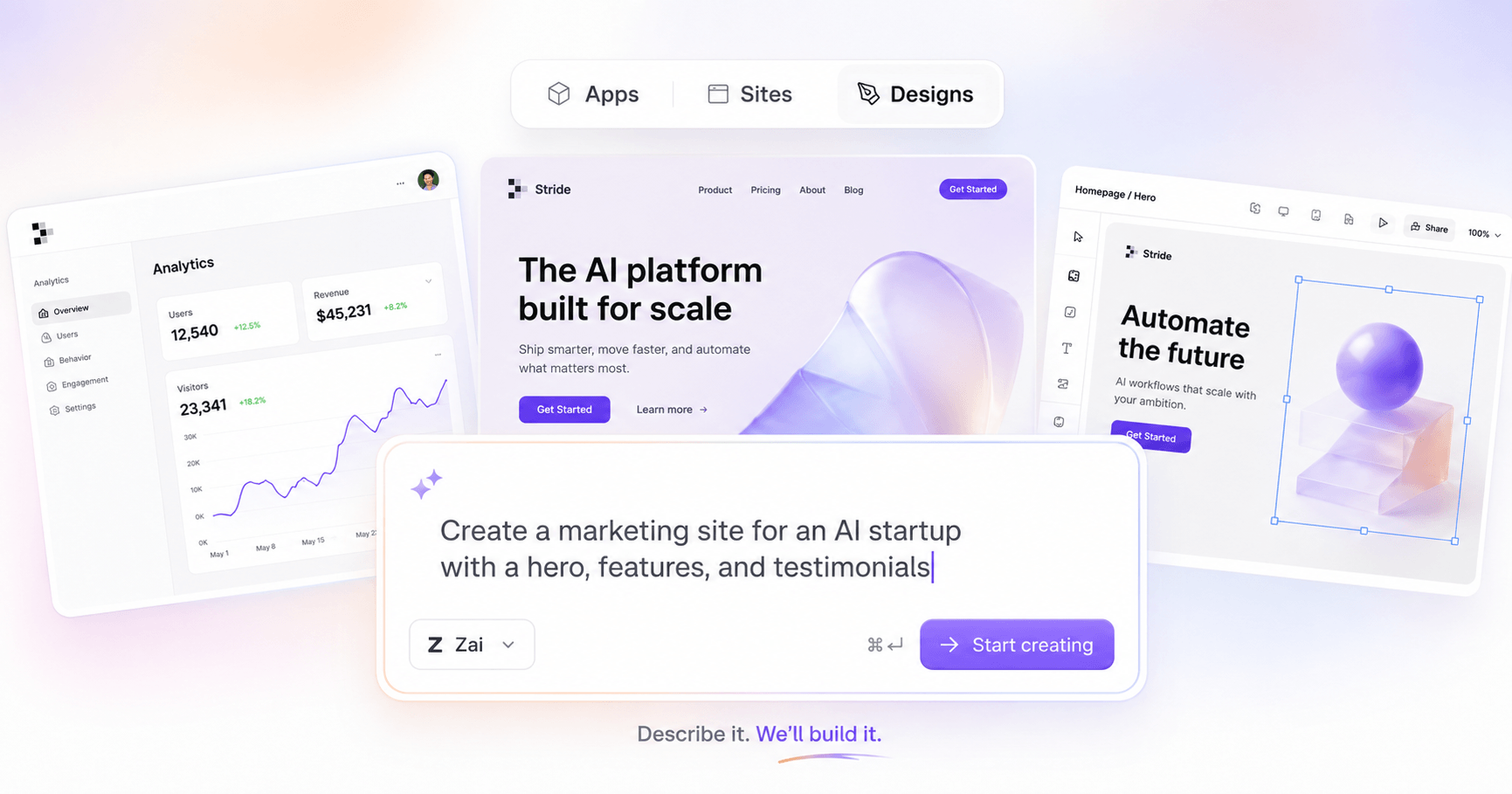
With DevDojo, you can build with AI, right in your browser. You describe what you want, an AI assistant builds it alongside you, and you watch it come to life in a live preview. You can build three kinds of things here:
- Apps — real Laravel apps with auth, billing, teams, and a database already wired in. Every app runs at its own live URL and pushes to your GitHub account, so the code is genuinely yours.
- Sites — fast, static websites: landing pages, portfolios, blogs. Describe the site you want and the builder assembles the pages; publish to your own subdomain or connect a custom domain.
- Designs — single-canvas HTML and CSS: a hero section, a pricing block, a full page concept. Sketch it with AI in the Designer, refine it live, then publish or export the code.
No prior Laravel (or any coding) experience required — though if you have it, everything underneath is real and yours to open up.
What you can do with DevDojo
At its heart, DevDojo turns "I have an idea" into "here it is, live at a URL" in a few minutes.
- Start from a sentence. Type what you want on the dashboard — an app, a site, or a design — and DevDojo spins it up and starts building. No blank-canvas paralysis.
- Get a live URL instantly. Every app runs at its own address, like
your-app.devdojo.app; published sites and designs get shareable URLs too. See it running, share it as you build. - Build with an AI assistant. Describe the feature or change you want in plain language. The AI writes the code while you watch the files change and the preview update in real time.
- Preview, inspect, and roll back. Live previews everywhere, readable logs, a clear view of exactly what changed — and checkpoints to jump back to if something goes sideways.
- Own and ship your work. Apps are real repositories connected to your GitHub account. Sites and designs export as clean, portable code. There's no lock-in anywhere.
How the pieces fit together
There are three areas you'll spend time in:
- Your dashboard — home base. It lists everything you've made — apps, sites, and designs — shows status at a glance, and its prompt box is where every new build starts.
- The workspace — one screen per site or app where the building happens: the AI chat, the live preview, your files, and checkpoints. Apps, Sites, and Designs each have a workspace tuned to what they build.
- Your account — your profile and settings, your teams, your billing, and your credits.
Where to start
If you're brand new, follow the Getting Started pages in order:
- Create Your First App — from a one-sentence prompt to a running Laravel app at a live URL.
- Building with AI — describe changes, use the live preview and logs, and roll back with checkpoints.
Building a website instead? The Sites docs walk through your first site the same way. From there, the Account pages cover your profile, teammates, plans, and credits.
Tip — You don't need a plan before you explore. Sign in, type an idea into the dashboard, and see what comes back. Apps, sites, and designs are all cheap to create and easy to tear down — the fastest way to learn DevDojo is to build something disposable.
Ready? Let's create your first app.