
Hello Folks 👋
This is Savio here. I'm young dev with an intention to enhance as a successful web developer. I love building web apps with React. I have proved my superiority in frontend technologies.
Today, I'm super excited to share how you can build a super productive REST API in less than 30 seconds. It is good enough to have awesome features such as pagination, operations, sort, text-search**, filter, etc.
Start coding
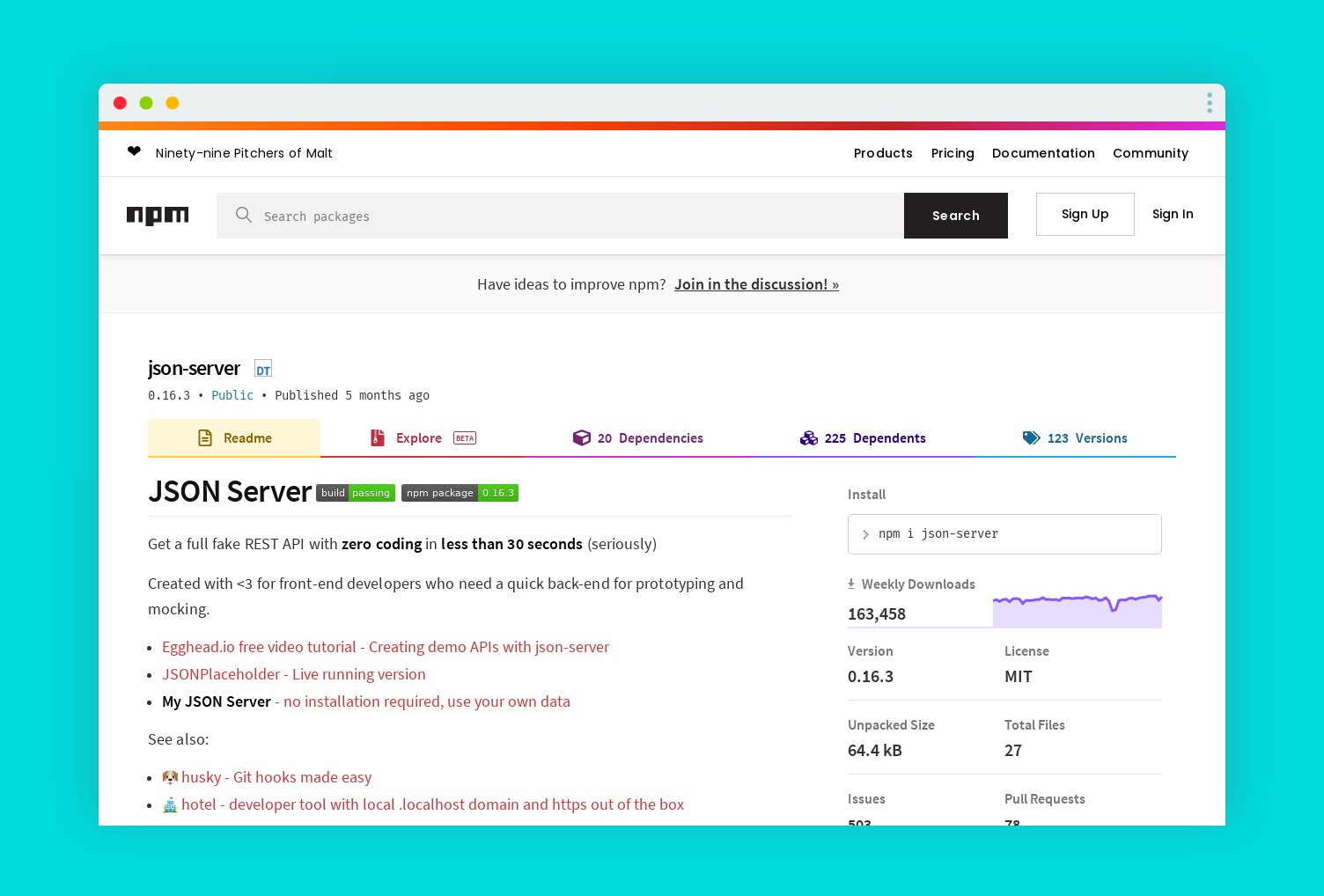
We are gonna use an amazing library called json-server for the project. Json server is a small package that could create a REST API from a data.json file.
So, let's get straight! 💻
1. Initialise a node app
Open up a blank folder in your code editor. Create a package.json
npm init -y
2. Install json-server
You can install json-server using yarn or npm. I prefer to use npm ⬇️.
npm i json-server
3. Creating server
Now, it comes to the most exciting part. Let's get ready to create our server.
First , Create db.json file in your root. Add some content to it. Here goes an example 👇
{
  "coders": [
    {
      "id": 1,
      "first_name": "Aylmar",
      "job": "Javascript",
      "email": "[email protected]"
    },
    {
      "id": 2,
      "first_name": "Tallulah",
      "job": "CSS",
      "email": "[email protected]"
    },
    {
      "id": 3,
      "first_name": "Lon",
      "job": "Python",
      "email": "[email protected]"
    },
    {
      "id": 4,
      "first_name": "Lynea",
      "job": "CSS",
      "email": "[email protected]"
    },
    {
      "id": 5,
      "first_name": "Germayne",
      "job": "Javascript",
      "email": "[email protected]"
    },
    {
      "id": 6,
      "first_name": "Parsifal",
      "job": "Javascript",
      "email": "[email protected]"
    },
    {
      "id": 7,
      "first_name": "Nathalie",
      "job": "Javascript",
      "email": "[email protected]"
    },
    {
      "id": 8,
      "first_name": "Peri",
      "job": "Python",
      "email": "[email protected]"
    },
    {
      "id": 9,
      "first_name": "Drud",
      "job": "Javascript",
      "email": "[email protected]"
    },
    {
      "id": 10,
      "first_name": "Trudy",
      "job": "Javascript",
      "email": "[email protected]"
    }
  ],
  "designers": [
    {
      "id": 1,
      "first_name": "Addie",
      "email": "[email protected]"
    },
    {
      "id": 2,
      "first_name": "Aurel",
      "email": "[email protected]"
    },
    {
      "id": 3,
      "first_name": "Nehemiah",
      "email": "[email protected]"
    },
    {
      "id": 4,
      "first_name": "Oren",
      "email": "[email protected]"
    },
    {
      "id": 5,
      "first_name": "Giustina",
      "email": "[email protected]"
    }
  ]
}
And now, lets create server.js file. server.js connect db.json with json-server. I am now setting the port as const port = process.env.PORT || 4000, this will help you a lot when you deploy the API. So, here goes the code 👇
 View Website
 View Website
 View Website
// json server
const jsonServer = require("json-server");
const server = jsonServer.create();
const router = jsonServer.router("db.json");
const middlewares = jsonServer.defaults();

// port
const port = process.env.PORT || 4000;

// create server
server.use(middlewares);
server.use(router);
server.listen(port, () => {
  console.log(`JSON Server is running at ${port} 🎉`);
});
Now, we can run our server with the command npm start, We can see in the console
JSON Server is running at 4000 🎉
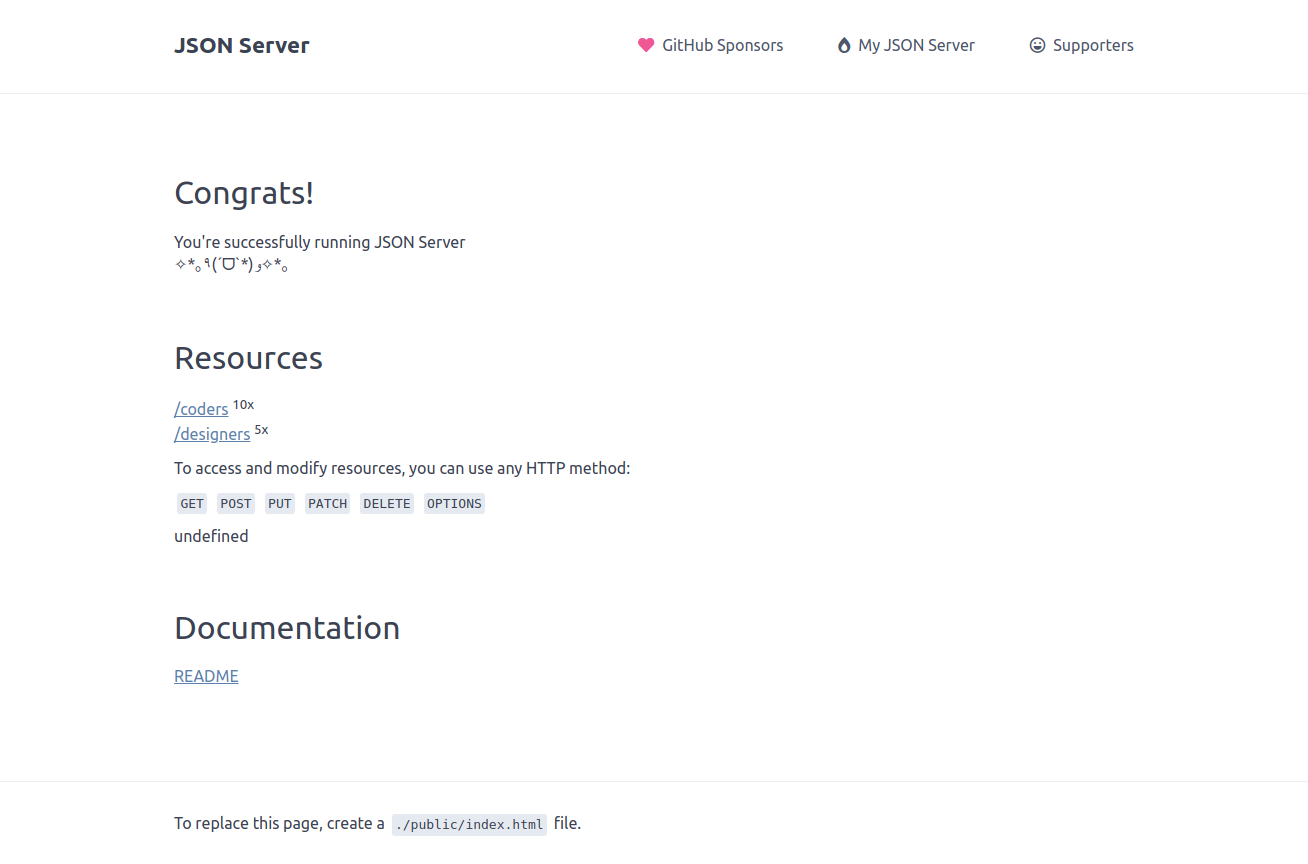
Hurray 🎉, Thats how easy it is to setup our json-server. Now, if go open http://localhost:4000/, we can see this page ⬇️
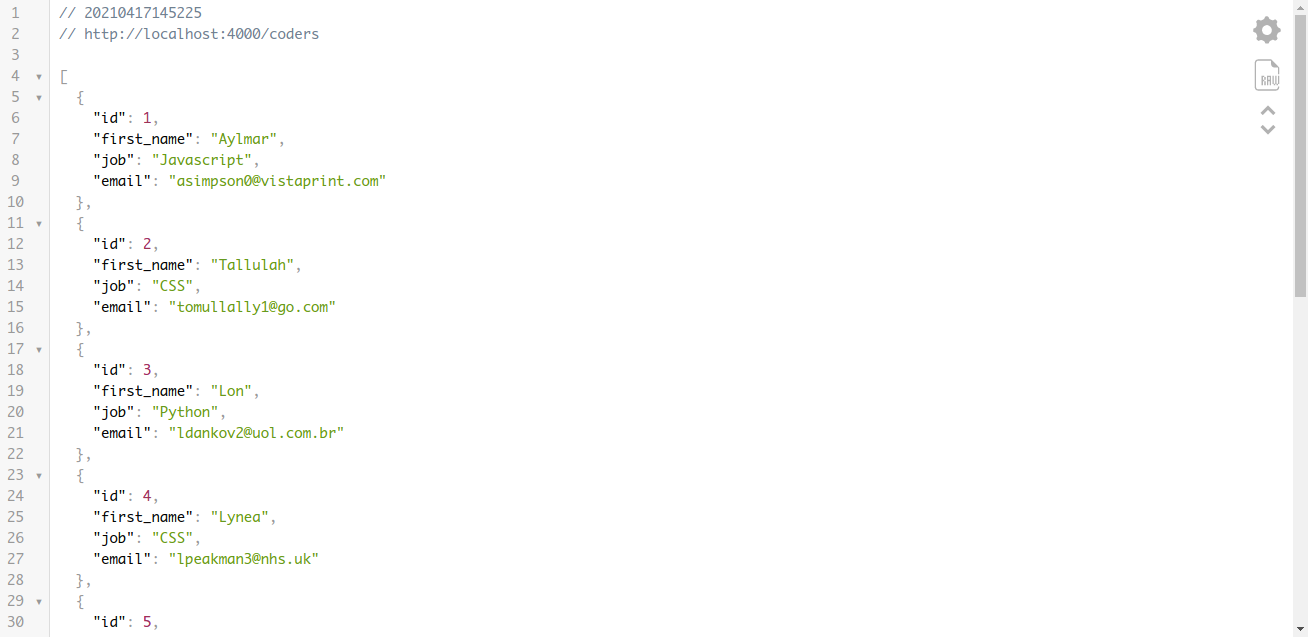
And now, if we go to the /coders, we can see what we put inside the array coders in db.json
Hurray, you done it! You have made your server. It was so fast! 🚀🥳
Working with operations
Functions
We can do all operation with the API.
GET
POST
PUT
PATCH
DELETE
Filter
We can handle filter for a property.
http://localhost:4000/coders?job=CSS
Pagination
We can use _page and optionally _limit to make pagination
http://localhost:4000/coders?_page=2&_limit=4
Sort
We can sort the server in asc and desc order.
http://localhost:4000/coders?sort=first_name&_order=asc
Full-text search
We can search for a text in the whole document.
http://localhost:4000/coders?q=john
Database
To get the main full database -
http://localhost:4000/db
These are the most used operations with json-server, there are a much more. Have a look at documentation for more! 🎸
👀 Wrapping Up
Yeah, that's a wrap. Hope you enjoyed the article. Do not hesitate to share your feedback. I am on Twitter @saviomartin7. Give a follow!
Follow me on Github @saviomartin, Don't miss my amazing projects! 💯
I hope you learned to make an amazing server, now go start building amazing apps. Feedbacks are greatly appreciated! 🙌
Have an amazing day!
🌎 Lets connect
🙌 Support
My projects are fueled by coffees ☕, get one for me!

Comments (0)