
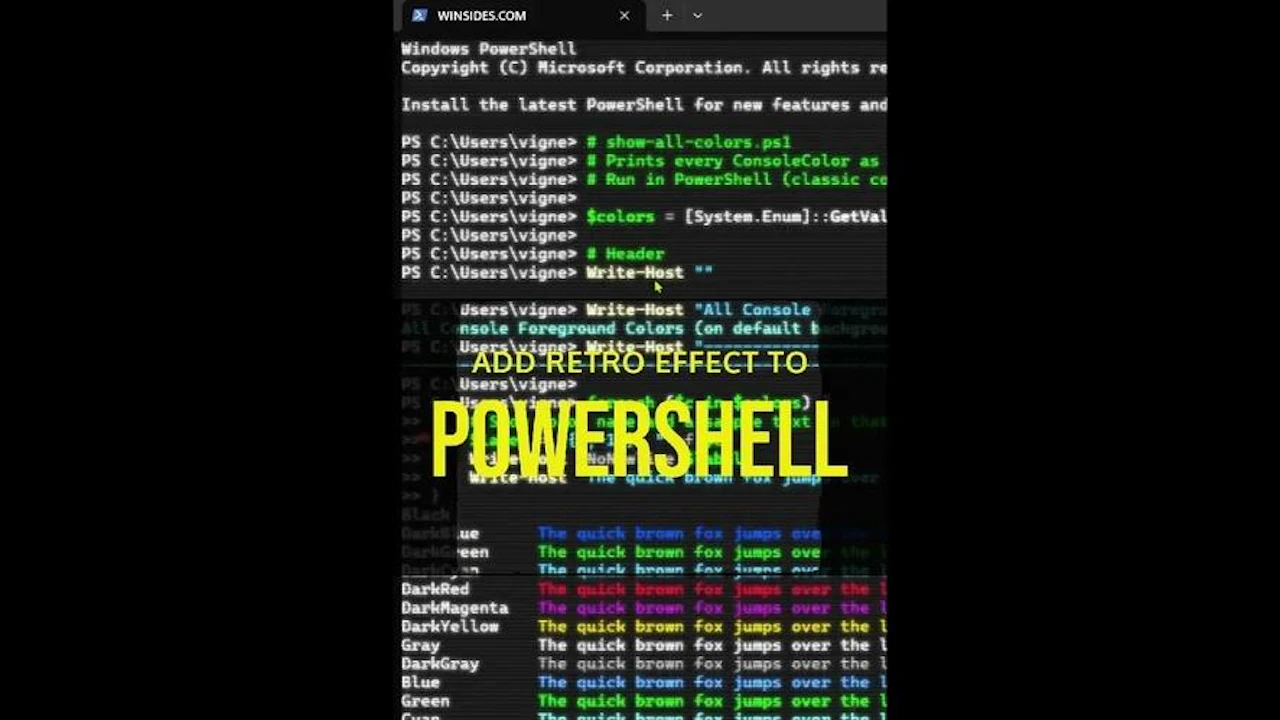
Want to make your PowerShell look cooler? 😎
In this quick tutorial, I’ll show you how to enable retro effects in PowerShell, perfect for giving your terminal that old-school computer vibe. 💻✨ It’s simple, fast, and gives your screen that classic matrix-style feel! 💚
- Open Windows PowerShell.
- Go to Settings.
- Navigate to PowerShell Profile from the left pane.
- Under the PowerShell profile, you will find Appearance. Open Appearance.
- Locate Retro Terminal Effects and enable it.
- Finally, click Save.
- PowerShell Retro Terminal Effect is ON.
Follow Winsides.com for more interesting articles.
Comments (0)