
We always need to have a daily database backup because an emergency could happen at any moment in our server. Here I show you briefly how to backup our database to Dropbox in a Laravel application
Laravel Installation
- Install Laravel 9

- Install javascript dependencies.
npm install
- Create the database locally and register it in the .env file.
File .env
DB_CONNECTION=mysql
DB_HOST=127.0.0.1
DB_PORT=3306
DB_DATABASE=laravel_backup_dropbox
DB_USERNAME=root
DB_PASSWORD=
- Run migrations.
php artisan migrate
Our database

Install Spatie Backup Package
Install the package spatie/laravel-backup
composer require spatie/laravel-backup
Publish the configuration file
php artisan vendor:publish --provider="Spatie\Backup\BackupServiceProvider"
Run the backup command
php artisan backup:run

We can see that the command exported the backup successfully locally in the path below storage/app/Laravel

 View Website
 View Website
 View Website
Dropbox Integration
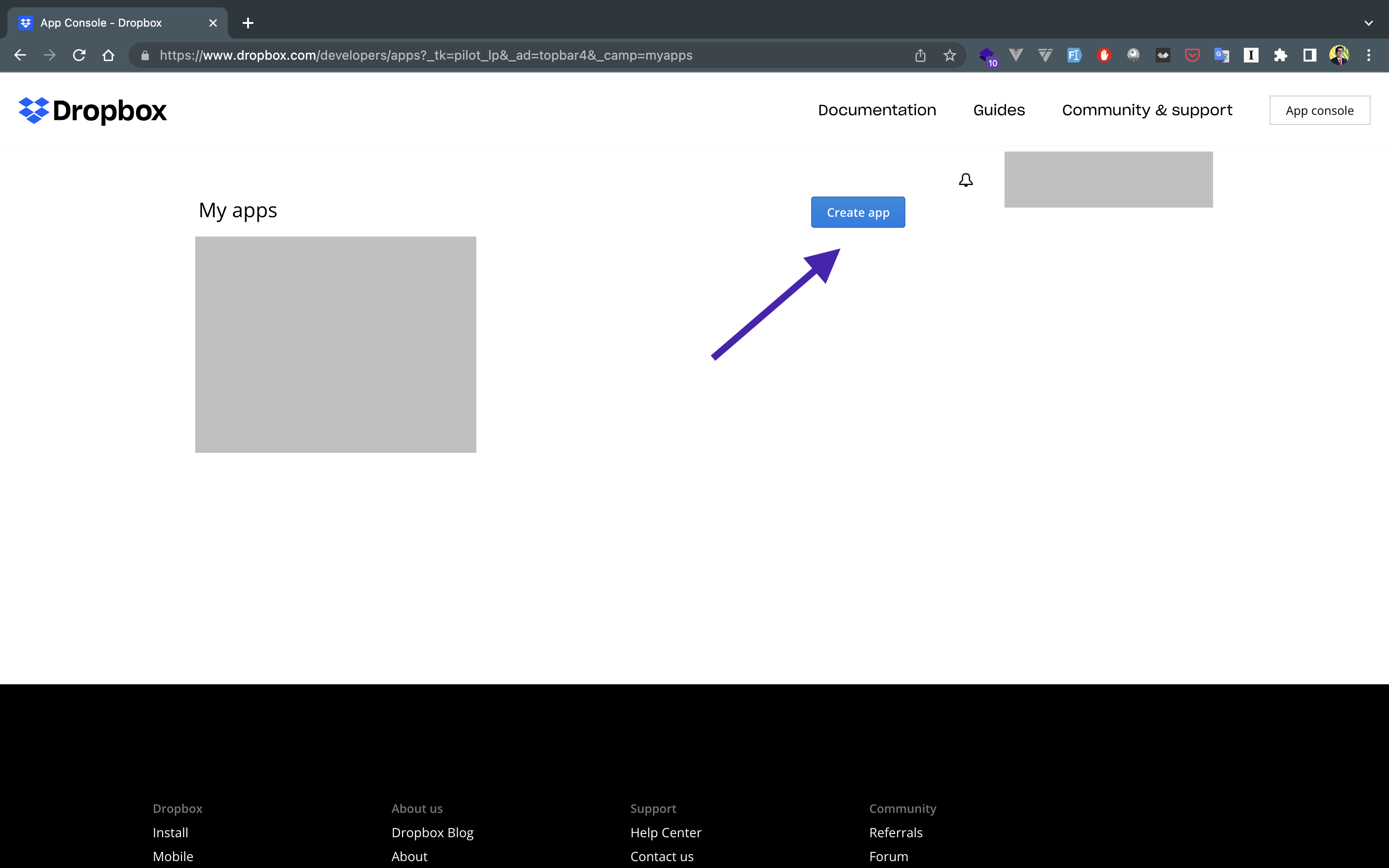
Register in Dropbox in the next url, and click in Console App

Create a new application

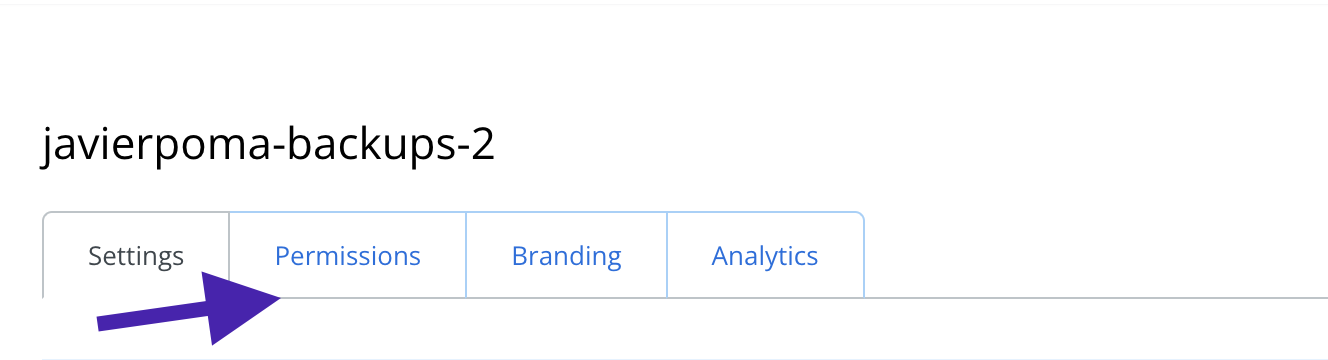
Configure the permissions to enable our application to save to Dropbox

Generate the token

Save the token as a variable in our .env file
DROPBOX_AUTH_TOKEN=**********
Install the following package to integrate Dropbox
composer require spatie/flysystem-dropbox
Generate the service provider
php artisan make:provider DropboxServiceProvider
Register the service in the file
'providers' => [
    ...
    App\Providers\DropboxServiceProvider::class,
    ...
]
Add a new file system in the file below
"disks" => [
    "dropbox" => [
        "driver" => "dropbox",
        "authorizationToken" => env("DROPBOX_AUTH_TOKEN"),
    ],
Configure the service provider
<?php

namespace App\Providers;

use Illuminate\Filesystem\FilesystemAdapter;
use Illuminate\Support\ServiceProvider;
use League\Flysystem\Filesystem;
use Spatie\Dropbox\Client as DropboxClient;
use Spatie\FlysystemDropbox\DropboxAdapter;
use Storage;

class DropboxServiceProvider extends ServiceProvider
{
    /**
     * Perform post-registration booting of services.
     *
     * @return void
     */
    public function boot()
    {
        Storage::extend("dropbox", function ($app, $config) {
            $adapter = new DropboxAdapter(
                new DropboxClient($config["authorizationToken"])
            );

            return new FilesystemAdapter(
                new Filesystem($adapter, $config),
                $adapter,
                $config
            );
        });
    }

    /**
     * Register bindings in the container.
     *
     * @return void
     */
    public function register()
    {
        //
    }
}
Edit the file to add Dropbox as a new disk backup in the following file config/backup.php.
'destination' => [
    /*
     * The filename prefix used for the backup zip file.
     */
    'filename_prefix' => '',

    /*
     * The disk names on which the backups will be stored.
     */
    'disks' => [
        'local', 'dropbox'
    ],
],
That's all! Run the command below
php artisan backup:run
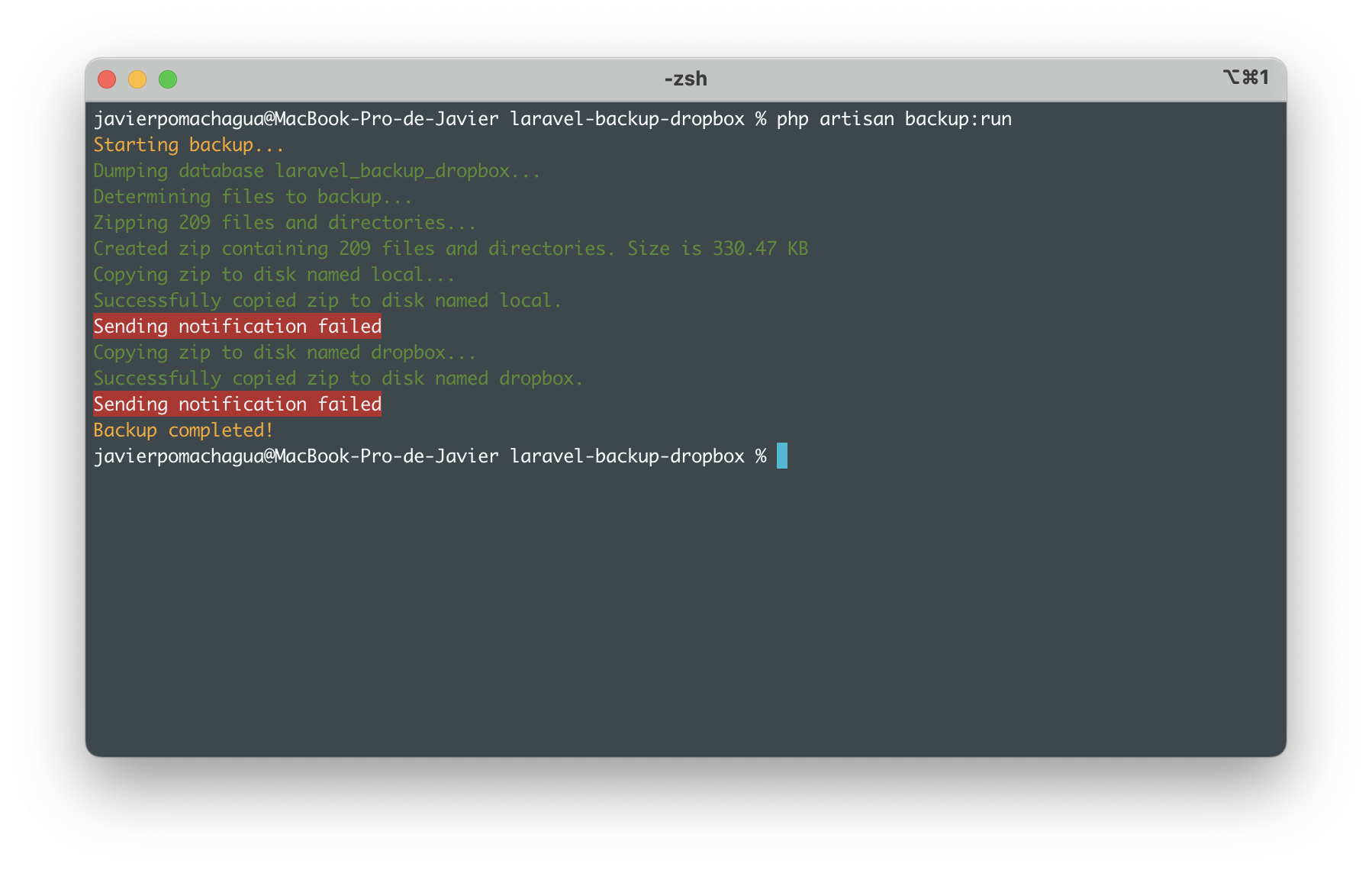
Check that our backup has been uploaded to Dropbox in the following url link

As simple as that we can generate our laravel database backup to Dropbox.
In the next post, I'll be publishing about how to make automatics backups at a specific time
The project repository
Comments (0)