
Wave V3 NO manifest
Hey there,
The heading is misleading because Vite and the manifest are present.
I recently attempted again to install WaveV3. I was able to download it and extract it but the moment I installed npm and composer it broke, telling me that no vite manifest was found.
I found the cause. When installing the cove-main theme, it is called cove-main but the files are calling 'cove'. I tried changing it but it crashes the entire application when I change the folder name for the cove-main theme.
The error happens in this file: resources/themes/cove-main/partials/head.blade.php -- with this line of code: @vite(['resources/themes/cove-main/assets/css/app.css', 'resources/themes/cove-main/assets/js/app.js']). This initially said 'cove' which I renamed to 'cove-main' but when I do this, it breaks TailwindCSS. The styling is now jumbled all over the site.
This only happens when you install the cove-main theme. I did notice that some of the files do change the name to cove-main but not all files do this.
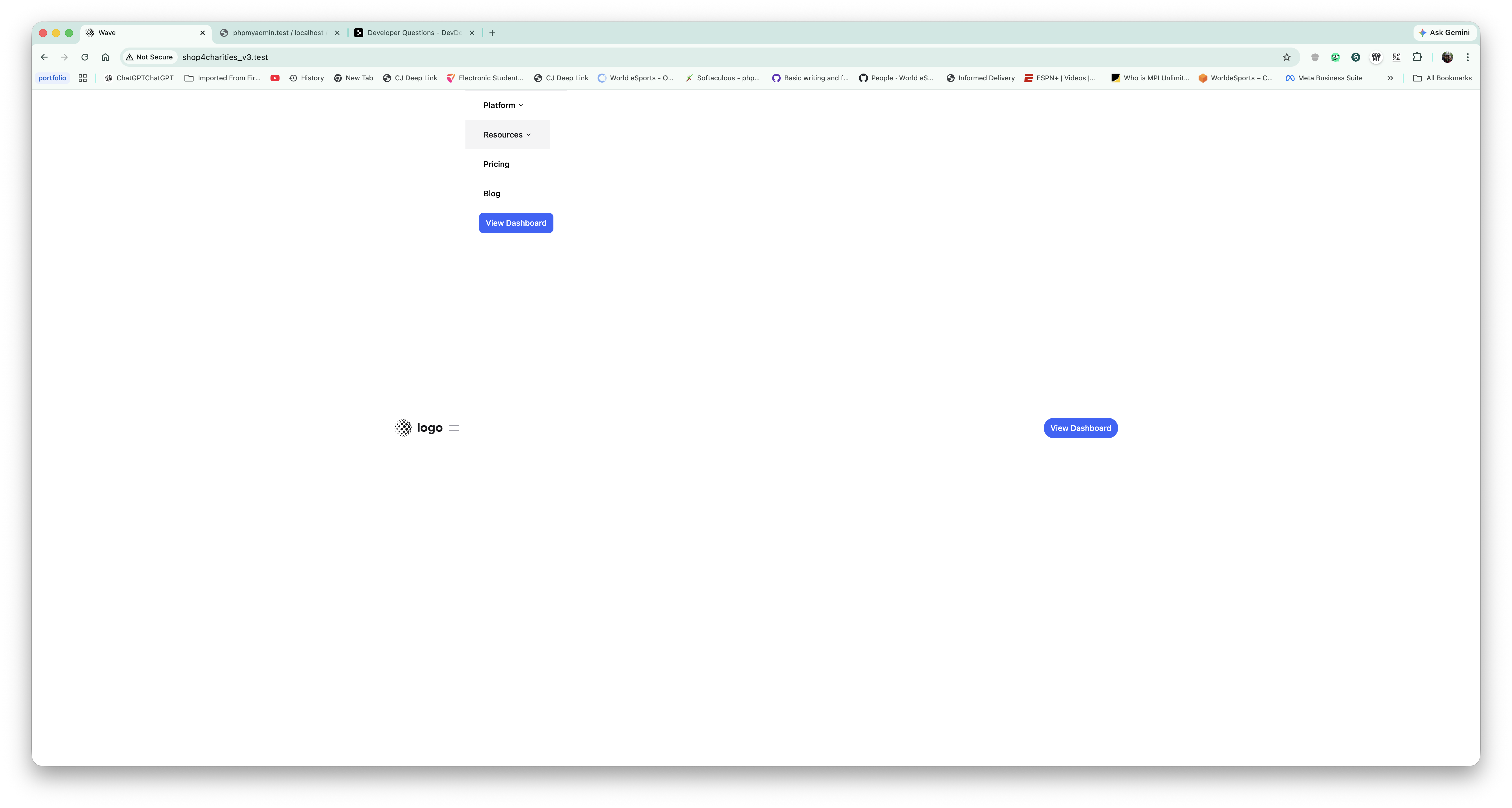
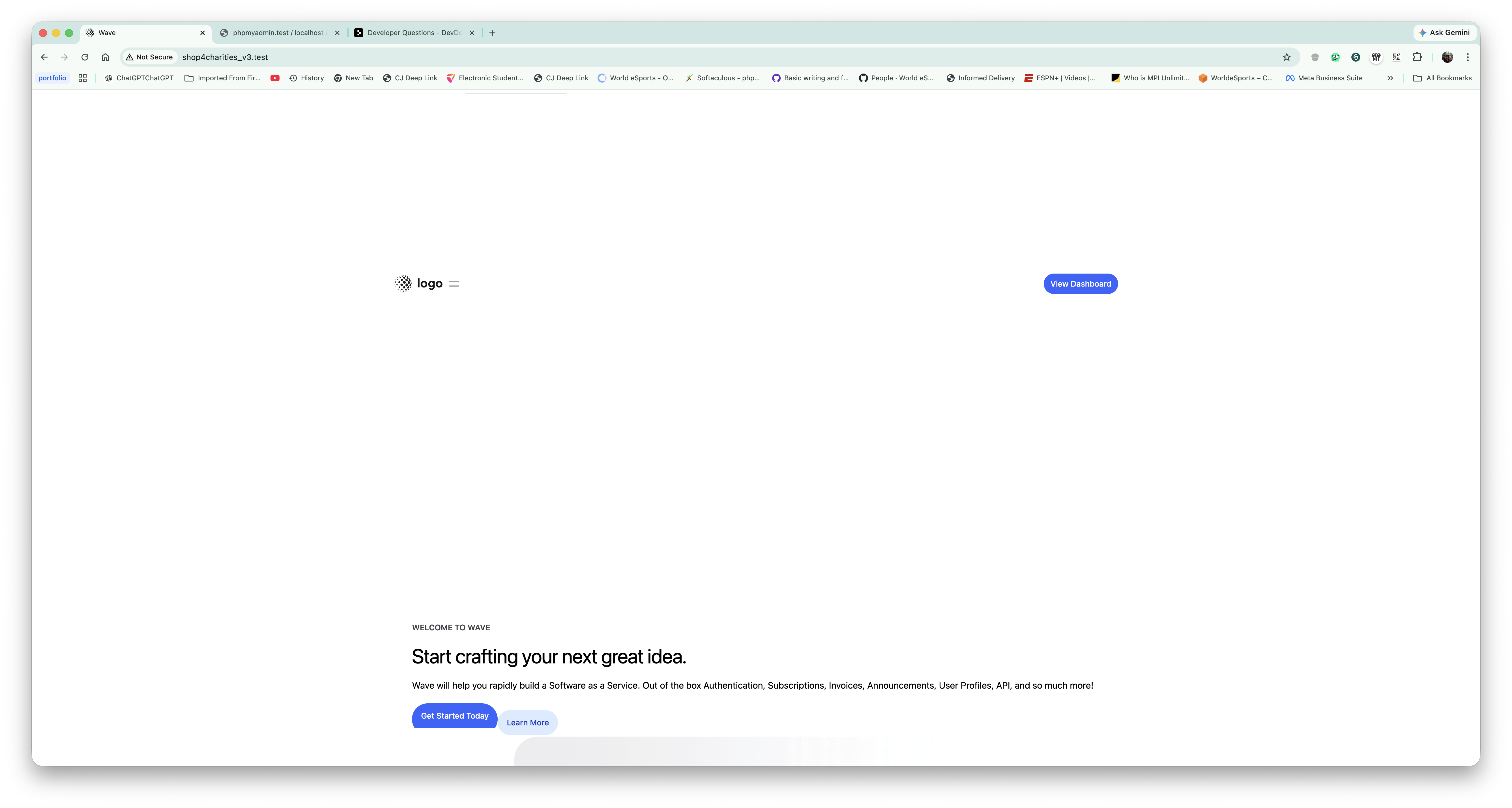
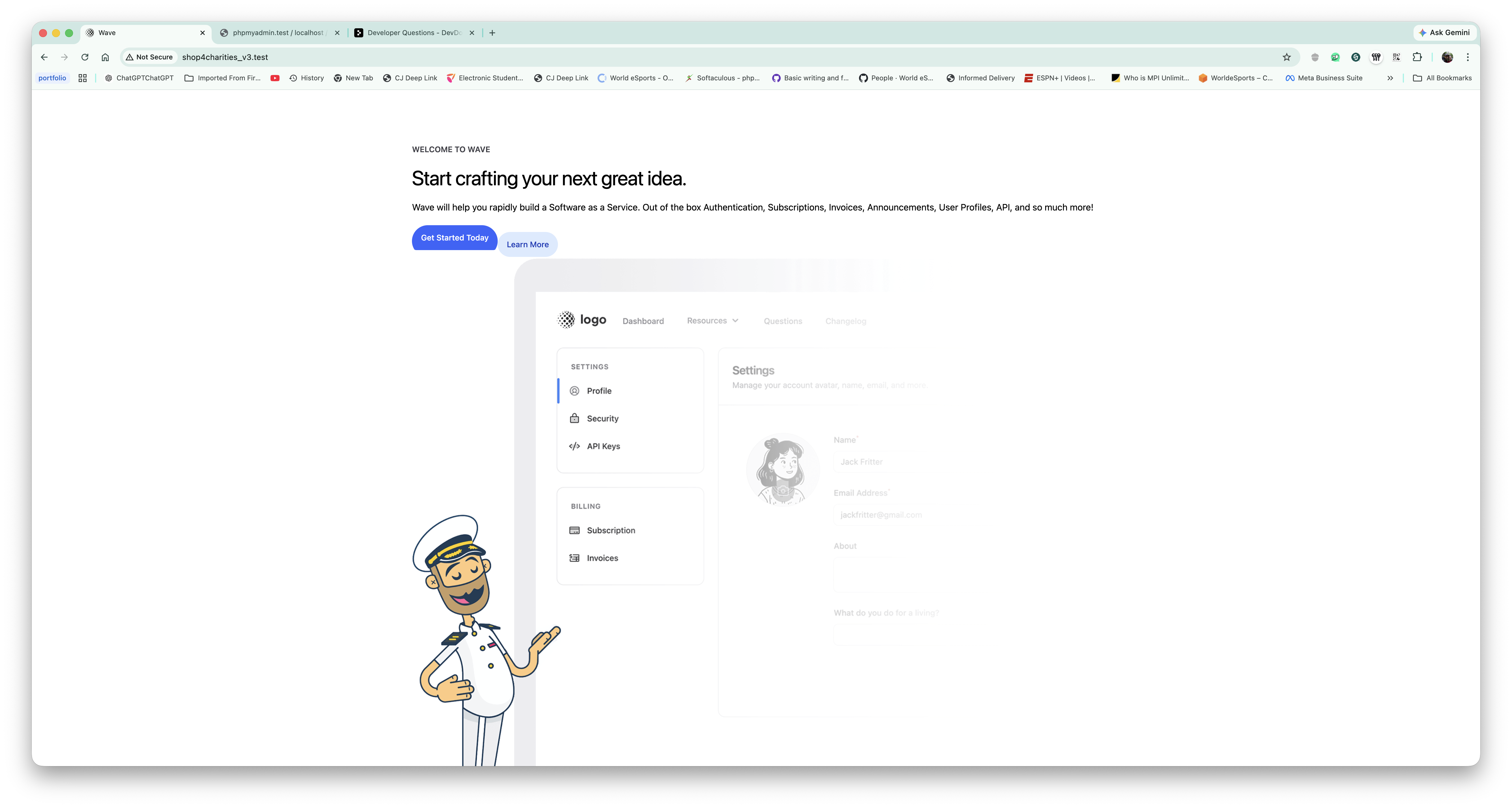
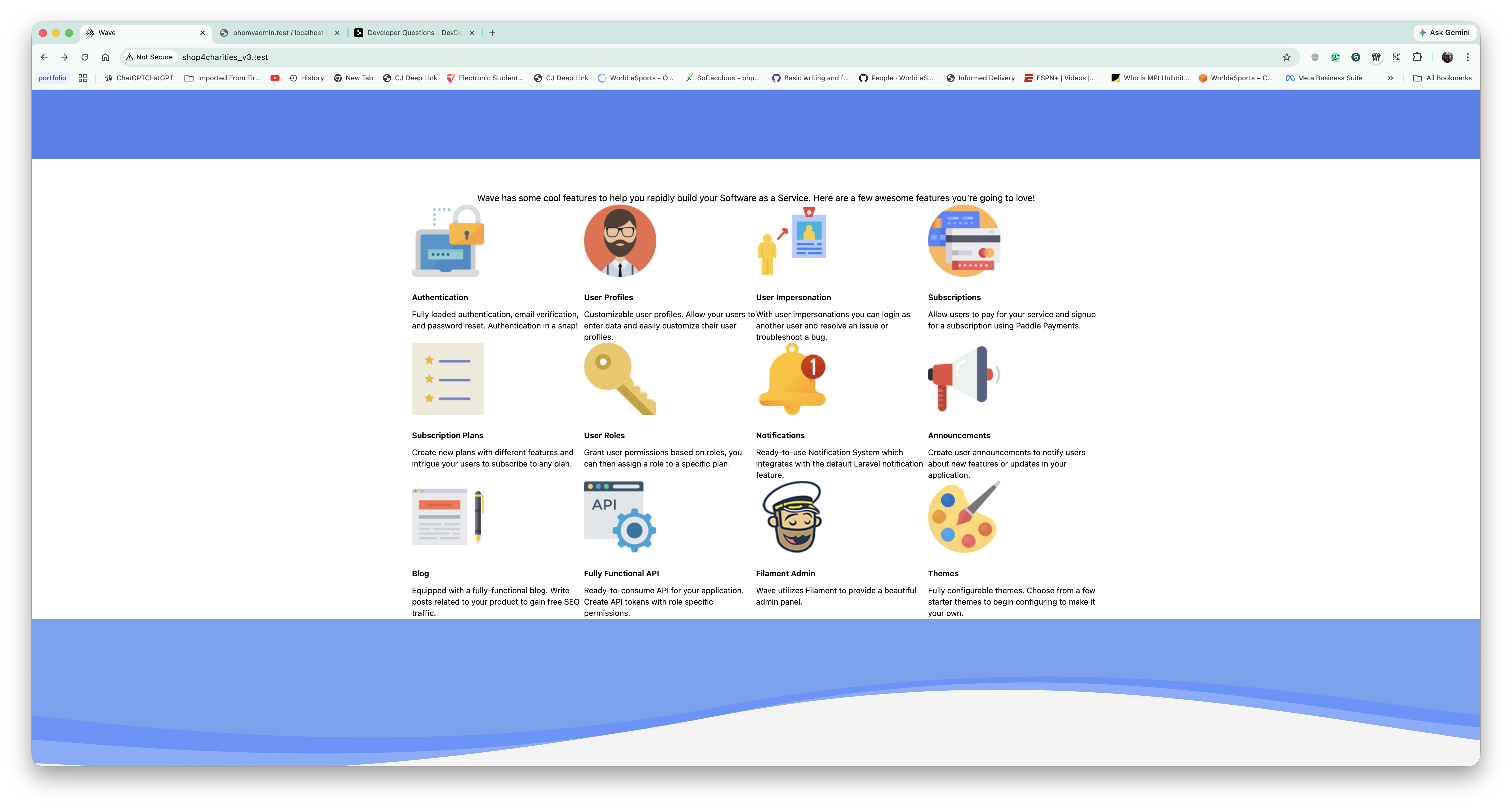
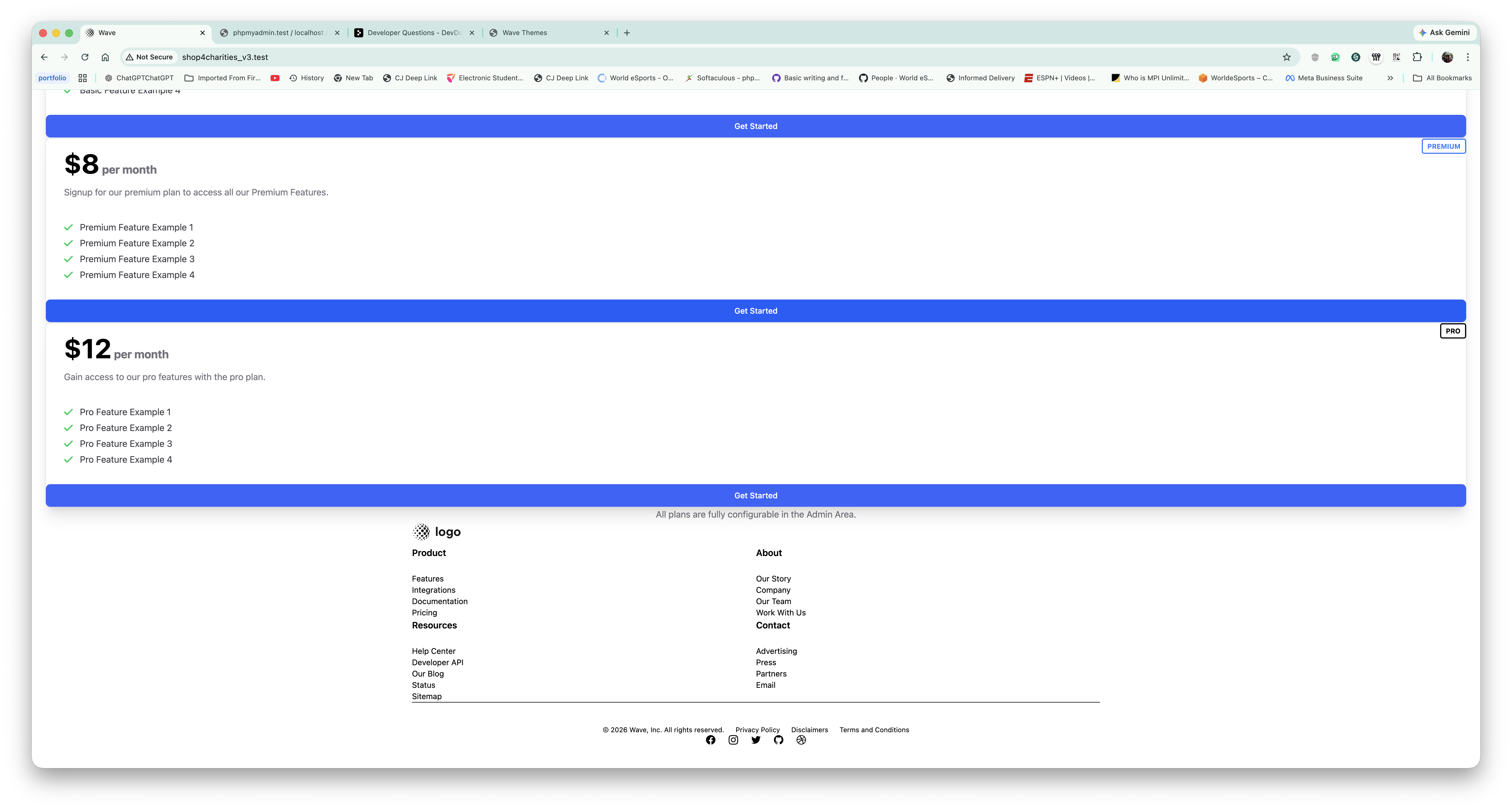
When I change the name 'cove-main' back to 'cove' in ```resources/themes/cove-main/partials/head.blade.php``, it causes the vite manifest error to reappear.
Whilst I did fix the manifest error by changing the name to cove-main in the header partial, I have not had any success in making the styling work properly. The entire styling appears to be broken but works partially like the colors are present along with sections but things like the menu, header, footer, pricing and other sections are broken.
How do I fix this Bobby?














After running composer update and npm install/update, you need to run: npm run build to compile the css and js assets. That being said, there are still some style issues that need to be addressed after compiling. It still needs some fixing but it's better than what yours shows.
Hey thanks for the response. Yes, I did run npm run build and even npm run dev but neither actually fixes the styling issues. This only happens with the cove-main theme. I think the app is attempting to render two separate themes because even when the cove-main is activated you still see the logo and menu from the previous theme.
This does not affect filament at all but it does not use the layouts or same styling as the frontend